No-Shows Are a Scheduling Problem
Most missed appointments are not deliberate. Patients forget, misjudge the wait, or cannot come and do not know how to cancel. Good scheduling software removes each of those excuses.
The Ten Features That Move the Number
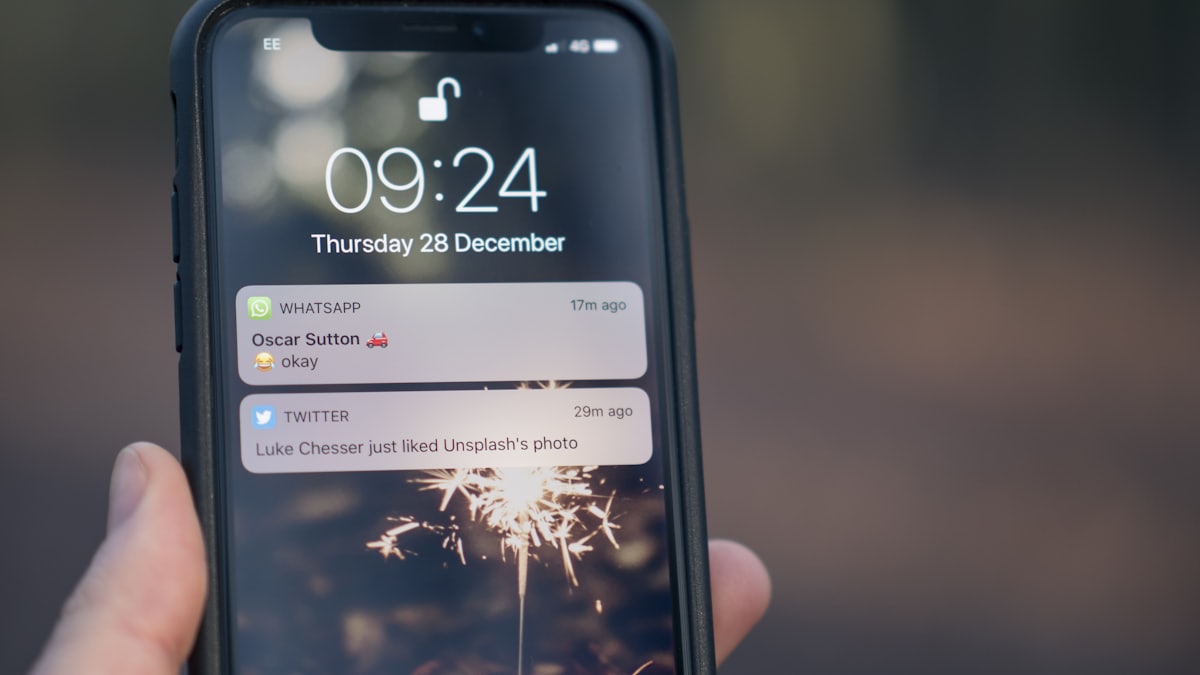
- Layered reminders: a confirmation on booking, a reminder the evening before, and a nudge two hours prior, on SMS or WhatsApp.
- One-tap reschedule: a link in the reminder that lets the patient move the slot instead of abandoning it.
- One-tap cancel: making it easy to cancel sounds counter-productive, but a freed slot beats an empty chair.
- Automated waitlist: when a slot opens, the next waiting patient is offered it automatically.
- Prepaid or deposit booking: a small amount adjusted against the fee sharply reduces casual no-shows for in-demand slots.
- Smart slot length: slots that match real consultation time keep the clinic on schedule, so patients learn the clinic respects their time.
- Lead-time limits: bookings made too far ahead no-show more; a sensible window helps.
- No-show tracking: a visible history lets the front desk flag repeat offenders and double-book carefully.
- Two-way messaging: patients can reply to confirm or ask a question, which raises commitment.
- Post-visit follow-up scheduling: booking the next visit before the patient leaves, with a reminder attached.
Set Realistic Targets
A busy OPD clinic often runs fifteen to thirty per cent no-shows on booked slots. Layered reminders plus easy rescheduling typically bring that into single digits. Prepaid booking can push it lower still for premium slots.
Pair With a Transparent Queue
Patients who can see the live queue on their phone are less likely to wander off and miss their turn. A tool like ClinicQueue keeps booked and walk-in patients informed right up to the moment they are called.