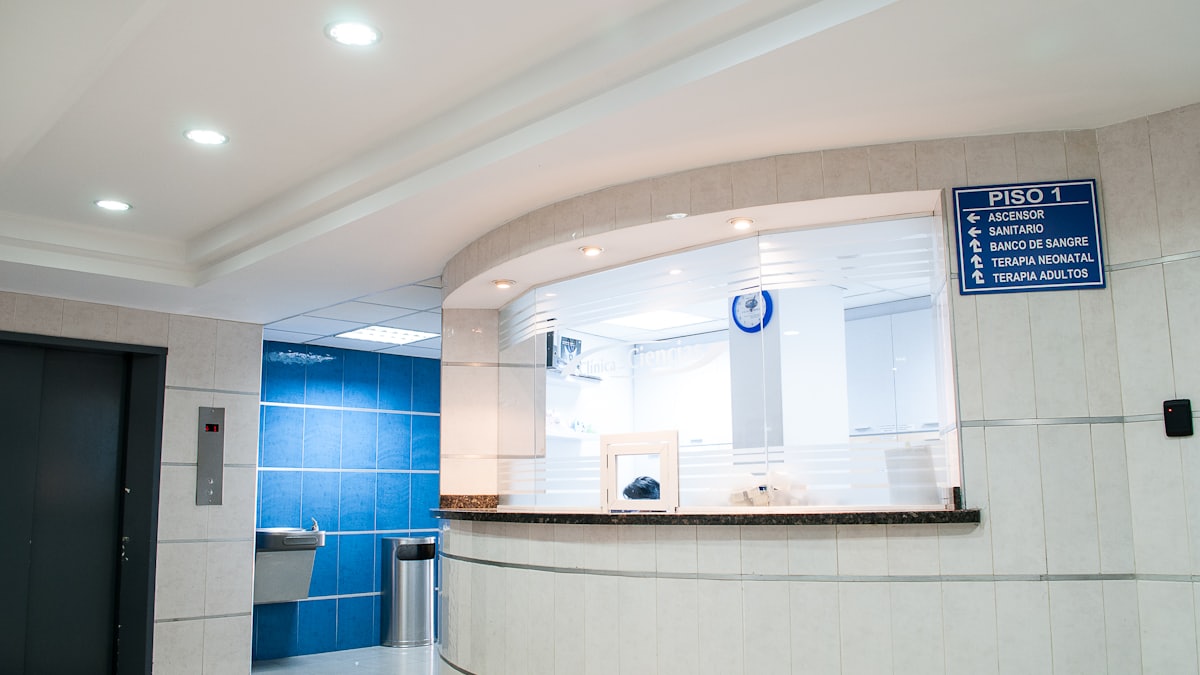
The Front Desk Is Your First Impression
Every patient meets reception before they meet the doctor. A calm, competent desk makes the whole clinic feel organised; a flustered one makes even good care feel chaotic. This is a people-and-process problem that software supports but does not solve on its own.
Standard Operating Procedures
Write down the three or four things reception does all day, so any staff member does them the same way:
- Check-in: confirm identity and phone, update details, add to the queue, set expectation for wait time.
- Billing: apply the correct rate, take payment, record the mode, issue the invoice.
- Phone handling: greeting, how to book, when to take a message, when to escalate.
- Shift handover: cash count, pending tasks, patients still waiting, anything unusual, documented every day.
Phone Scripts
A short script for the top five calls, booking, timings, fees, directions, report status, keeps answers consistent and quick. It also helps convert enquiry calls into booked appointments instead of vague maybes.
Software Support
- Unified queue so no walk-in is forgotten and the wait shown to patients is honest.
- Live token status on patients' phones, which removes most how-long questions.
- Quick billing with pre-set rates and one-click daily closing.
- A message log so staff can see what was already sent to a patient.
Staffing Resilience
Cross-train so one absence does not break the clinic. Document everything a new receptionist needs in a five-day onboarding checklist. Review front-desk KPIs monthly: average check-in time, phone-to-booking conversion, closing accuracy, and repeat wait-time questions.
Handling Difficult Moments
Give staff a calm script for angry patients and the authority to offer a small, defined remedy. A tool like ClinicQueue that shows a transparent queue removes one of the most common flashpoints: the patient who feels skipped.