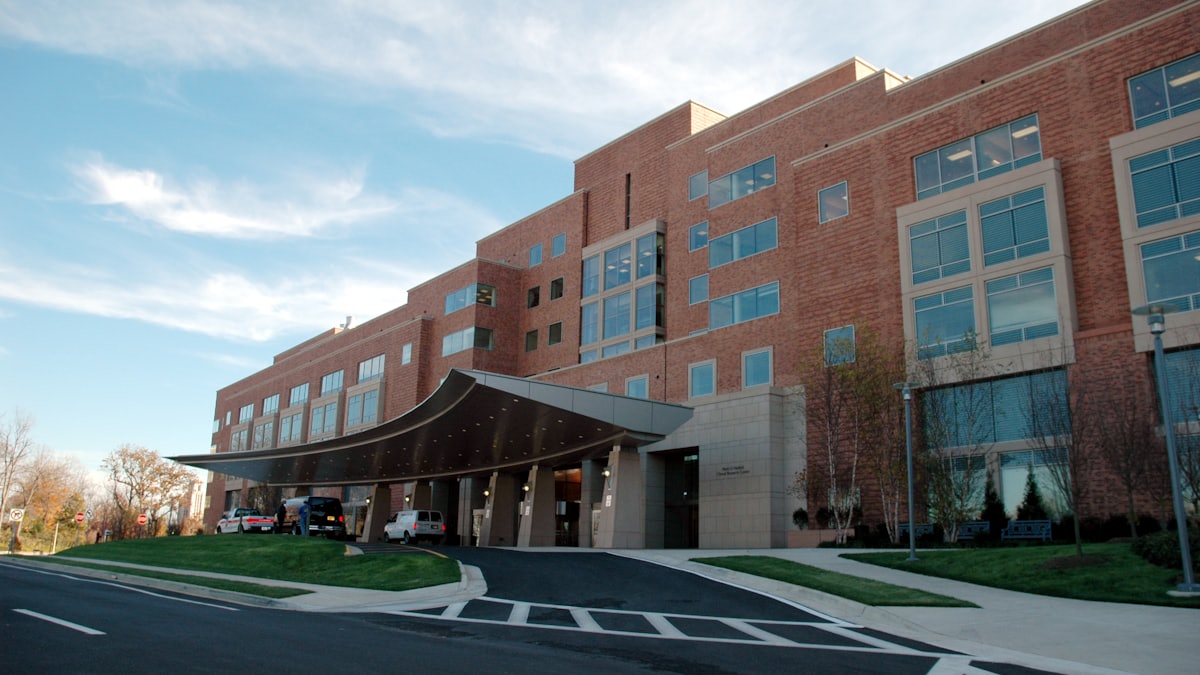
Hospital Management Software, Defined
Hospital management software (HMS) is a single digital system that runs the day-to-day operations of a hospital or nursing home: patient registration, appointments, OPD and IPD records, billing, pharmacy, laboratory, radiology, inventory and reporting. Instead of ten disconnected registers and spreadsheets, every department works from one shared database.
For a doctor or administrator, the practical promise is simple: information is entered once and is instantly available everywhere it is needed, from the registration desk to the discharge counter.
What a Hospital Management System Actually Does
A typical HMS ties together these workflows:
- Front office: registration, unique patient IDs, appointment scheduling, and token or queue management.
- Clinical: OPD notes, admission records, nursing charts, e-prescriptions and discharge summaries.
- Diagnostics: lab and radiology order entry, sample tracking and report delivery.
- Pharmacy and stores: stock, batch and expiry tracking, indents and purchase orders.
- Billing and finance: cash, credit, package and insurance billing with daily reconciliation.
- Management: dashboards for bed occupancy, revenue, footfall and outstanding dues.
Why Hospitals Move to an HMS
Manual systems fail quietly. A file goes missing, a test is repeated, a charge is never posted, a follow-up is never called. Each gap is small; together they cost real money and patient goodwill. A well-run HMS closes those gaps by making every step traceable and every charge automatic.
Common results after a clean implementation include faster registration, fewer billing disputes, lower medicine wastage from expiry, and management reports that are ready every morning instead of at month-end.
On-Premise or Cloud?
On-premise software runs on servers inside your hospital. You control the hardware, but you also own backups, updates and downtime. Cloud-based HMS runs on the vendor's servers and is used through a browser; you get automatic updates, off-site backups and access from anywhere, but you depend on a stable internet connection. Most small and mid-sized hospitals now choose cloud for lower upfront cost and easier maintenance.
How to Start
Do not switch on every module at once. Map your current workflows, pick the two or three areas with the most pain (usually registration, billing and pharmacy), and roll those out with proper staff training. Add clinical documentation and analytics once the basics are stable. A phased approach protects your daily OPD flow while the change happens.
If your biggest pain today is the crowded waiting area and disorganised patient flow, a focused tool like ClinicQueue can deliver token and queue management quickly, and sit alongside a fuller HMS later.